
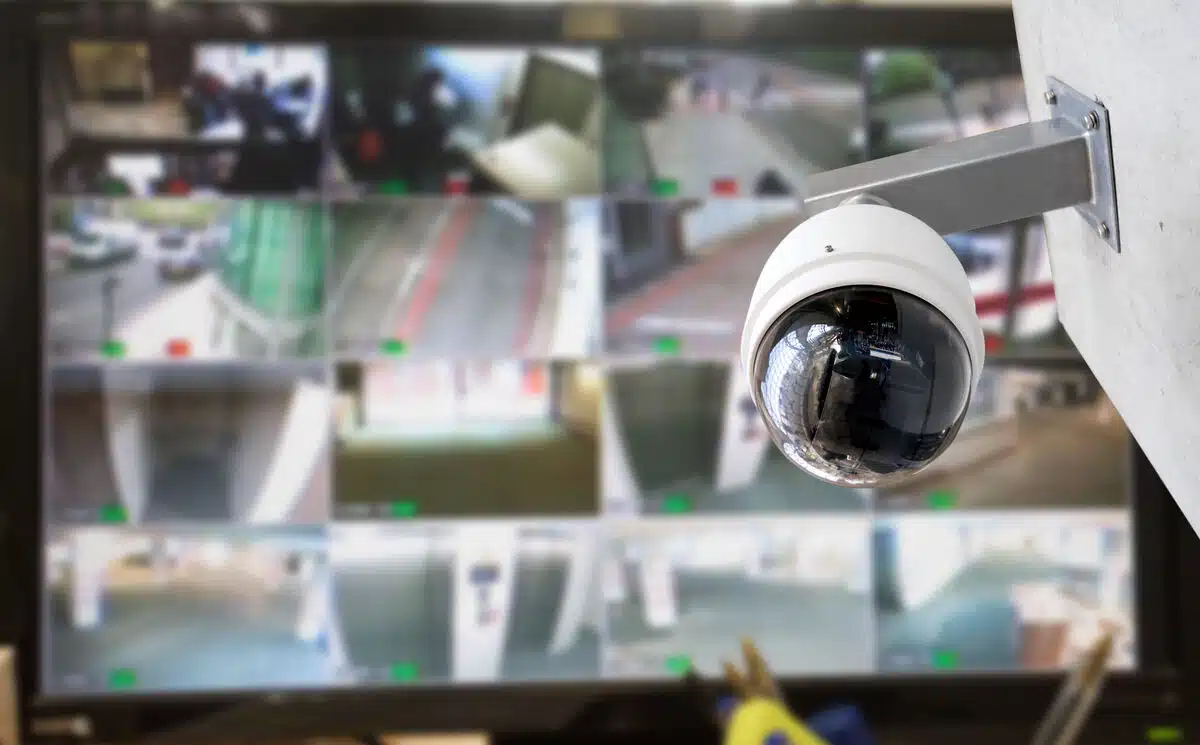



If you’re searching for business CCTV installation, there’s a good chance you’re looking for cameras to protect a commercial property.
But before choosing cameras or comparing installers, there’s a more important question to answer:
What do you actually want your video security system to do?
For decades, CCTV was largely associated with cameras that allowed businesses to view and record activity. Those capabilities remain valuable, but commercial video security has evolved considerably. Modern IP cameras can provide the foundation for analytics, remote access, centralized management, and professional remote video monitoring.
That distinction matters before installation begins.
A business investing in new cameras today has an opportunity to build more than a system that documents what happened. It can build infrastructure capable of helping identify relevant activity while it’s happening, giving trained monitoring professionals an opportunity to verify the event and initiate an appropriate response.
Before deciding where the cameras go, decide what kind of security program you want them to support.
CCTV Is Still the Search Term, but Video Security Has Evolved
“CCTV” remains a familiar way to describe business security cameras.
Traditionally, closed-circuit television systems transmitted video within a closed environment for live viewing and recording. If an incident occurred, recorded footage could be reviewed to determine what happened and provide evidence afterward.
That fundamental capability remains useful.
The bigger change is what can now happen around the camera.
Modern IP cameras operate on networked infrastructure, opening the door to capabilities such as remote access, centralized system management, video analytics, easier expansion, and integration with other security technologies.
Remote video monitoring adds another layer.
Instead of relying solely on someone at the business to view cameras or review recorded footage, relevant video events can be reviewed remotely by trained monitoring professionals.
The progression looks something like this:
Traditional CCTV → Networked IP Video → Intelligent Detection → Professional Monitoring → Defined Response
The camera is still essential.
What has changed is everything the security program can do with the video it captures.
CCTV vs. IP Cameras vs. Remote Video Monitoring
Businesses planning a CCTV installation for business should understand that cameras, IP infrastructure, and monitoring aren’t interchangeable terms.
They perform different roles.
| Traditional CCTV | IP Camera System | IP Cameras + Remote Video Monitoring | |
| Primary role | View and record | Networked video and data | Detect, verify, and support response |
| Video environment | Traditionally closed/local | Digital and networked | Digital and actively monitored |
| Remote access | Limited in traditional systems | Can support remote access | Professional remote monitoring |
| Analytics | Limited in traditional systems | Can support advanced analytics | Analytics help surface relevant events |
| Human involvement | Often after an incident | Typically user-directed | Trained professionals review relevant activity |
| Response | Commonly begins after discovery | Depends on how the system is managed | Defined procedures can begin while an event is occurring |
| Primary value | Visibility and evidence | Flexible modern video infrastructure | Detection, verification, response, and evidence |
An IP camera by itself does not provide remote video monitoring.
It provides infrastructure that can support it.
Similarly, adding analytics doesn’t automatically create a complete security response. Technology can identify defined activity, but someone still needs to determine what that activity means and what should happen next.
That’s where professional monitoring becomes important.
Technology helps identify the signal. People determine what it means.
If You’re Installing New Cameras, Build for What Comes Next
A new camera system can remain in place for years.
That makes today’s installation decisions important well beyond installation day.
A business may initially want cameras primarily for recorded evidence. Over time, it may want centralized management across multiple locations, analytics around specific areas, remote video monitoring, or additional cameras as the operation expands.
The infrastructure installed today can either support that evolution or make it more difficult.
That doesn’t mean every business needs every available capability immediately.
It means the system should be designed with both today’s objectives and tomorrow’s possibilities in mind.
Before a video security system installation, consider whether the infrastructure should support:
- remote video access
- centralized camera management
- intelligent video analytics
- live remote monitoring
- event verification
- expansion into additional areas
- multiple business locations
- integration with existing security infrastructure
Starting with those requirements makes it easier to determine what cameras, networking, placement, and supporting infrastructure make sense.
Recording an Incident and Responding to One Are Different Jobs
One of the biggest decisions to make before installation is whether cameras are primarily intended to record activity or become part of an active security program.
Recorded surveillance is valuable.
If property is damaged overnight, footage can help establish when the incident happened, what occurred, and potentially who was involved.
But by the time someone reviews the recording, the event is over.
Remote video monitoring changes when people become involved in that sequence.
AI-assisted analytics can help identify defined activity, such as a person or vehicle entering an area where they aren’t expected. Relevant events can then be presented to trained monitoring professionals for review.
Those professionals evaluate what is occurring and determine whether action is warranted based on the property’s established procedures.
Depending on the situation and available capabilities, the response may include continued observation, live audio intervention, contacting designated personnel, or escalating verified activity.
The distinction can be reduced to three questions.
Traditional recorded surveillance helps answer:
What happened?
Remote video monitoring adds:
What’s happening now?
What should happen next?
That difference should be considered before cameras are installed because the intended monitoring strategy can influence system design, camera placement, coverage priorities, connectivity, and configuration.
Phase 1: Design the System Around the Outcome
Once you’ve decided what you want the security system to accomplish, you can make better decisions about what should actually be installed.
Start with the operation rather than a camera count.
What areas are most important to protect?
Where does valuable equipment or inventory sit?
Where do employees, visitors, vehicles, or deliveries enter?
Which locations become vulnerable after hours?
Are there existing blind spots?
Do you need evidence after an incident, active monitoring during one, or both?
Does the property already have usable camera infrastructure?
Will additional locations eventually need to be incorporated?
Two businesses of similar size may answer those questions very differently.
Their camera systems should reflect that.
A professional design process translates the desired security outcome into coverage requirements before determining the equipment needed to provide it.
Phase 2: Install for Useful Coverage, Not Camera Count
More cameras don’t automatically create better security.
A camera can be technically installed correctly and still provide limited value if it doesn’t capture the activity the business actually needs to see.
Effective business CCTV installation requires consideration of factors such as camera placement, field of view, environmental conditions, lighting, power, networking, connectivity, recording requirements, and future scalability.
Exterior and interior environments may require different approaches.
A camera overlooking a broad parking area has a different job from one covering a controlled entrance. A loading area has different traffic patterns from an interior storage space. A perimeter camera may need to identify activity across a larger area than one monitoring a specific doorway.
Installation should therefore follow the security objective established during design.
The question isn’t:
How many cameras can we install?
It’s:
Do these cameras provide the visibility the security strategy requires?
Phase 3: Prove the System Works Before Calling It Finished
Cameras are mounted.
They’re connected.
Video appears on screen.
Installation complete?
Not necessarily.
Commissioning is the opportunity to validate whether the finished system actually delivers what was designed.
Can each camera see the intended area?
Are there unexpected blind spots?
Does visibility remain useful under nighttime conditions?
Can recorded footage be located and reviewed effectively?
If analytics are being used, are they configured around the appropriate activity?
If remote video monitoring is part of the program, are relevant events reaching monitoring professionals as intended?
Are response procedures established?
A video security system installation shouldn’t be considered successful simply because every camera is online.
The finished system should be tested against the business objectives that justified the installation in the first place.
Phase 4: Expect the Business to Change
A good camera system can work exactly as installed and still become less effective over time.
That’s because the business around it changes.
A company expands its warehouse.
A commercial property gains a new tenant.
Inventory moves to a different area.
Parking patterns change.
A new entrance opens.
Landscaping grows into a camera’s field of view.
An outdoor storage area is added.
A second location opens.
None of those changes necessarily means the existing security system is obsolete.
But they can change what the system needs to see and do.
That’s why commercial video security should be treated as infrastructure that evolves with the operation rather than a one-time installation project.
Periodic reassessment can identify where cameras should be repositioned, new coverage should be added, monitoring requirements should change, or existing technology should be supplemented.
Phase 5: Decide Who Owns the Problem When Something Breaks
Installation day is one event in the much longer life of a camera system.
Eventually, something will require attention.
A camera may go offline.
A connection may fail.
A lens may become obstructed.
Equipment may be damaged.
A configuration may need to change.
New cameras may need to be added.
The system may need to integrate with changing infrastructure.
That’s why businesses comparing security camera system installation companies should look beyond the installation quote.
Ask:
Who owns the problem when something stops working?
The answer becomes particularly important when different companies are responsible for installation, monitoring, equipment, and service.
A business shouldn’t discover during a system failure that nobody is clearly accountable for resolving it.
Ongoing service and support should therefore be part of the provider decision from the beginning.
Phase 6: Modernize Without Automatically Starting Over
What if your business already has CCTV?
Don’t assume modernization requires removing every existing camera.
Some existing infrastructure may continue to provide useful coverage. Other equipment may be capable of supporting a broader monitoring strategy. Certain areas may need new cameras while others remain adequately protected.
The better approach is to evaluate what exists first.
Think in terms of four options:
Keep → Integrate → Supplement → Replace
Keep equipment that continues to meet the requirement.
Integrate compatible existing infrastructure into a broader security program where appropriate.
Supplement coverage where gaps exist.
Replace technology when it can no longer provide the visibility, reliability, connectivity, or capabilities the business requires.
Mobile surveillance units can also provide another option when a business needs temporary coverage or visibility in an area where permanent infrastructure isn’t practical.
Modernization should solve security problems, not simply replace equipment because something newer exists.
Searching for Video Security System Installation Near Me? Look Beyond Distance
Local service matters.
A provider needs to be able to install equipment correctly and support it when onsite service is required.
But businesses searching for video security system installation near me should evaluate more than geographic proximity.
The larger question is how much responsibility the provider can take for the security system throughout its lifecycle.
When comparing video security system installers, ask:
☐ Will you evaluate my existing infrastructure before recommending replacement?
☐ Do you design systems around business and security objectives rather than camera count?
☐ Can you install and configure modern IP camera systems?
☐ Can the system support analytics and remote video monitoring?
☐ Who actually monitors the cameras if monitoring is included?
☐ How are monitored events verified and escalated?
☐ Can you support additional locations as the business expands?
☐ Who maintains and services the equipment after installation?
☐ Can existing cameras be integrated where appropriate?
☐ Who is accountable for the overall system when something needs attention?
The answers can reveal an important difference between hiring someone to install cameras and choosing a provider to support a video security program.
One System Shouldn’t Require Five Different Answers
Commercial security systems can become fragmented over time.
One company installed the cameras.
Another provides monitoring.
Someone else handles networking.
A different provider services the equipment.
Another vendor gets called when the system needs to expand.
Each company may perform its individual responsibility well, but fragmentation can create a larger problem:
Who is accountable for the complete system?
When an issue crosses the boundary between equipment, connectivity, monitoring, or service, businesses can find themselves coordinating multiple vendors simply to determine where the problem belongs.
An end-to-end approach reduces those handoffs.
Design, installation, monitoring, service, and ongoing system evolution can be considered as parts of the same security strategy rather than separate transactions.
That doesn’t just simplify installation.
It helps create clearer accountability throughout the life of the system.
Judge the Installation Five Years From Now, Not Just Day One
A successful business CCTV installation isn’t defined solely by what the cameras look like when the project is finished.
It’s defined by what the system continues to do for the business.
Can it provide the visibility you need?
Can it support remote video monitoring when active security is required?
Can it expand?
Can existing infrastructure remain useful?
Can the system adapt as the property changes?
Can someone service it when something goes wrong?
And is there clear accountability for keeping it working?
Businesses searching for CCTV installation today have an opportunity to build for more than traditional CCTV.
Start by deciding what you need the security program to accomplish.
Then install the infrastructure capable of supporting it.
Who Will Support Your Cameras After Installation Day?
Choosing a commercial surveillance provider isn’t only a decision about who will install the cameras. Consider who will design the system, verify that it works, monitor it when required, maintain it, help it adapt as your business changes, and remain accountable when something needs attention.Talk with ECAM about business CCTV installation and modern commercial video security systems designed, installed, monitored, and supported as part of a complete security strategy.
Build a Stronger Security Strategy

Download Security Guides
Practical ebooks to help you strengthen your security and solve your challenges.

Discover Industry Security Solutions
See how ECAM protects your industry with solutions designed to deter crime, reduce losses, and keep operations moving.